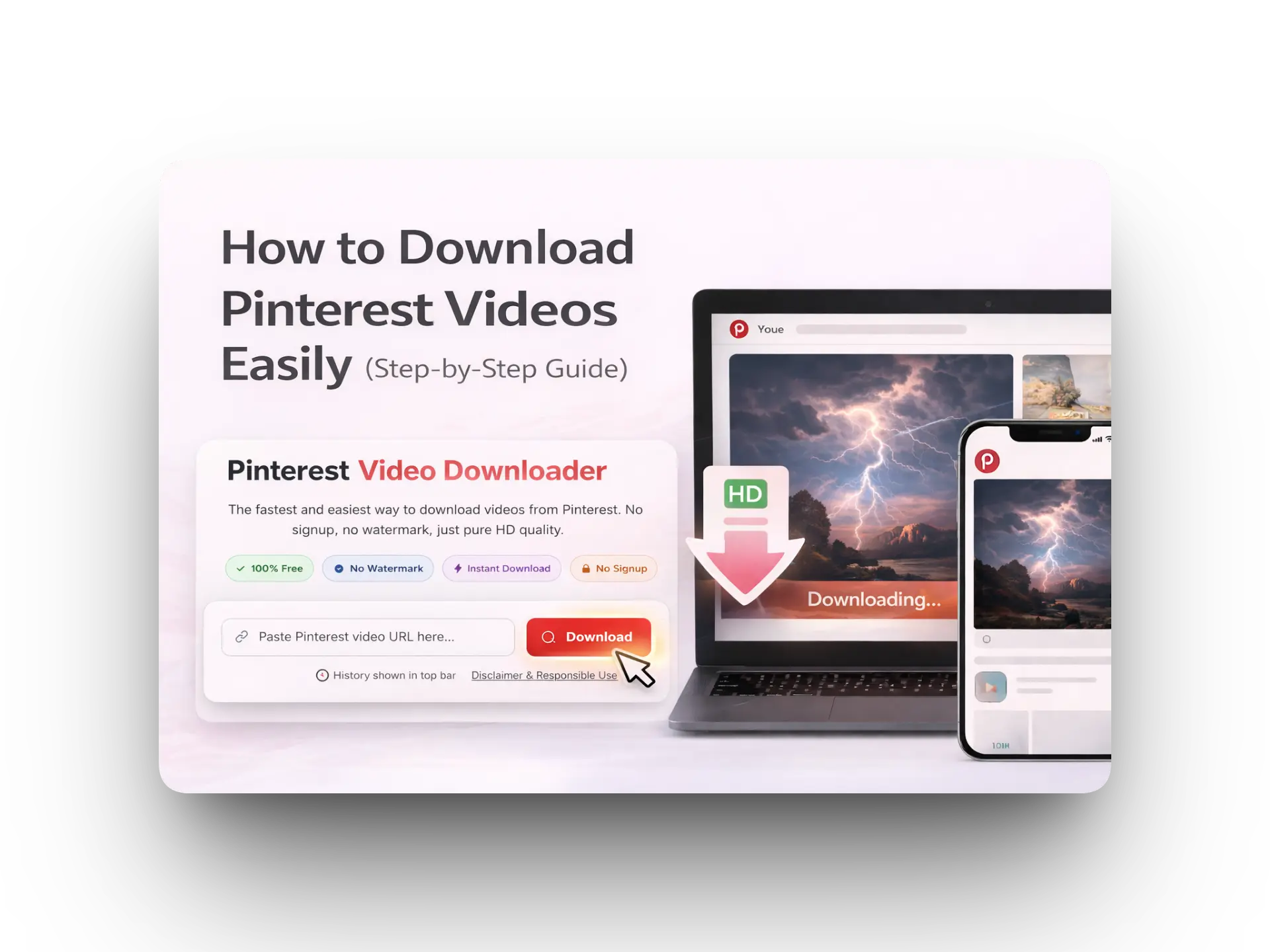
Quick tip: Use only public pins. If a pin is private, the downloader may not fetch the video.
Table of Contents
What You Need
- A Pinterest video link (public pin)
- Chrome / Safari / Edge
- Stable internet
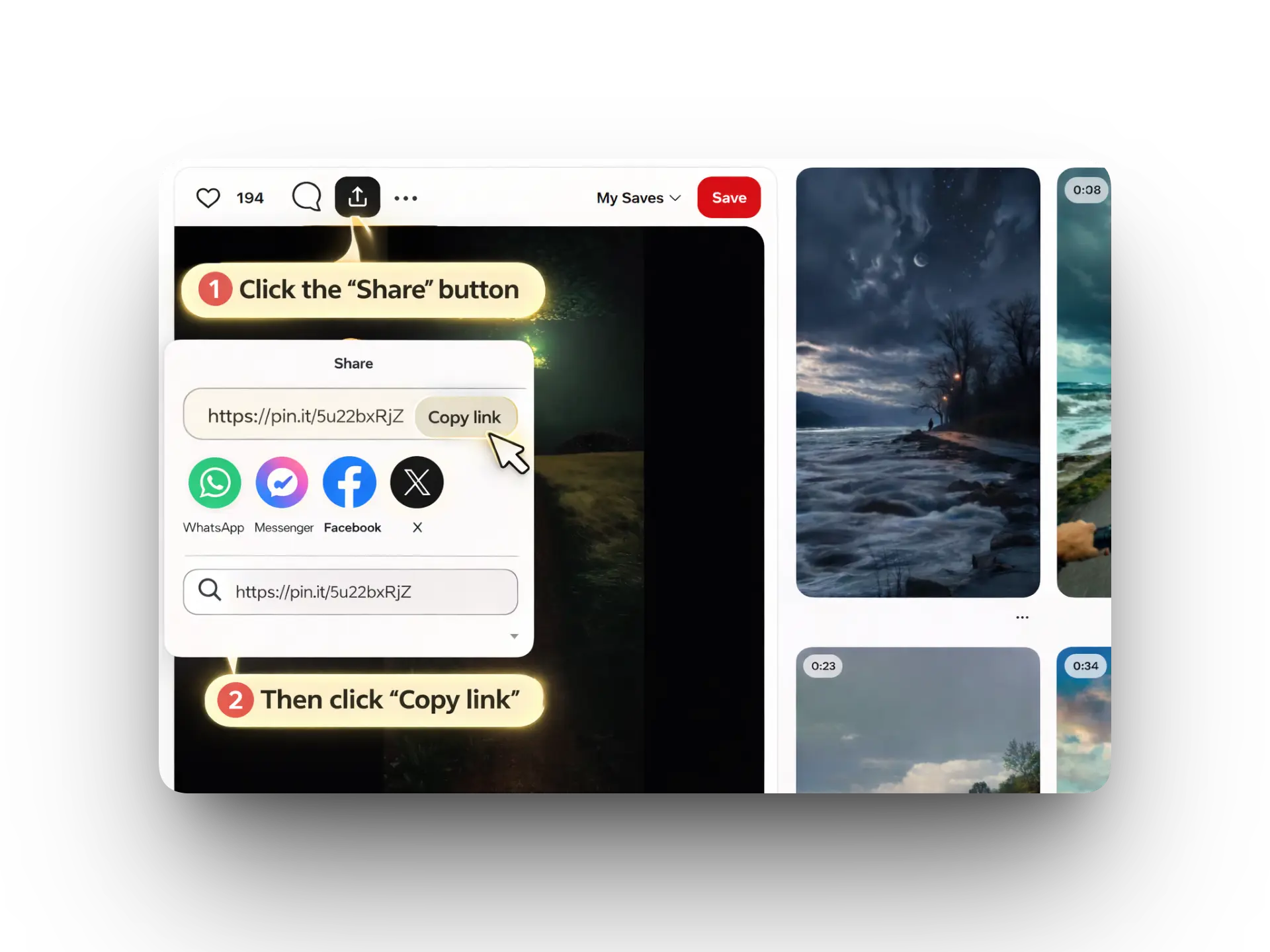
Step 1: Copy the Pinterest Link
Tap Share → Copy link.
Step 2: Open PinVideo.io
Go to https://pinvideo.io.
Step 3: Paste the Link
Paste the copied link in the input box. Make sure it’s complete.
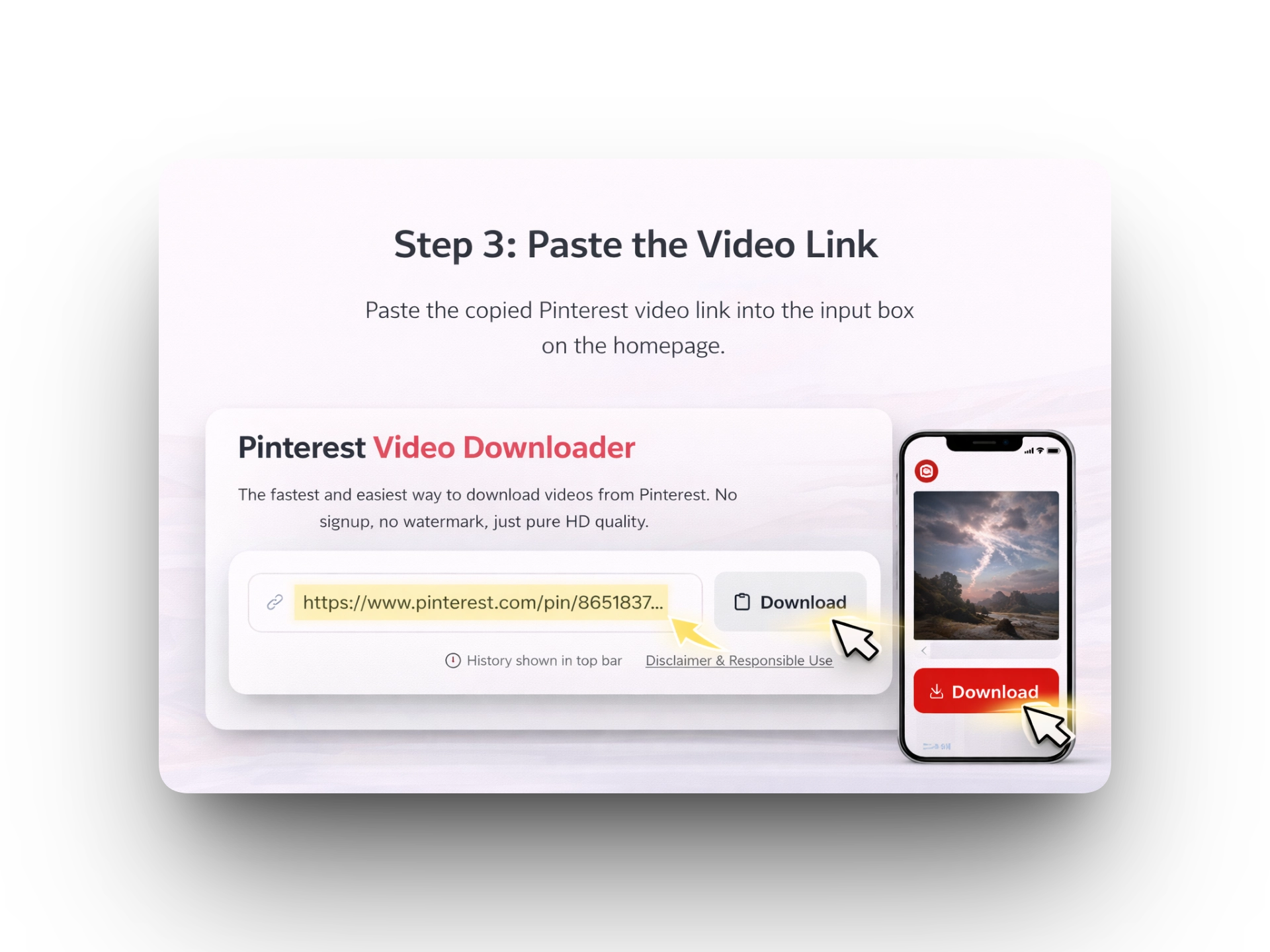
Step 4: Download
Click Download, then select HD/1080p if available.
Troubleshooting
- Copy the full URL again and paste freshly (no extra spaces).
- Try another browser or disable ad-blocker.
- Refresh and try again (Pinterest can be slow).
FAQ
Is it free?
Yes.
Does it work on iPhone?
Yes, directly in your browser.